Play Reversi Online
Create a public or private room and invite a friend with a link or room code. You can also join a public room from the lobby or watch a game in progress. Every game uses an 8×8 board.
Create a room
Choose a room type, then invite a friend with the room link or code.
Public rooms use shorter codes and appear in the lobby for anyone to join.
Join a room
Paste a friend's link or enter a room code. Join a waiting room to play; if the game has started, you will watch instead.
Tip: Leaving does not end the game. The host can return from My rooms in the lobby or close the room. If both players leave, the room expires after about 20 minutes. Room codes are used only for this game and do not store personal information.
Room lobby
The public lobby lists rooms waiting for a player and games already in progress. Rooms you created appear separately, with buttons to re-enter or close them. You can watch only games started by other players.
My rooms (0)
These are rooms you created and have not closed. Enter returns you to your seat; Close room ends the room immediately.
Waiting for players (0)
In play (0)
Both seats are taken, so room codes are hidden. Select Watch to follow the game without making moves.
Creating public room…
Assigning a unique room code. Please wait.
Public room created (8×8)
Send the link or room code to a friend. The game will start automatically when they join.
You will play Black and move first; your opponent will play White. The game will use this setup when they join.
Connection interrupted. Reconnecting…
Join a room
Room details were found in the shared link. Connect now, or edit the room code first.
Entering the room…
Connecting to room . Please wait.
Connection interrupted. Reconnecting…
Match found
Your opponent left the room
They disconnected. Return to the lobby to create or join a room.
Connection failed
Room not found. The code or link may be incorrect, or the room may have closed. Check it and try again.
Play Reversi Online
Online Moves Cannot Be Undone, So Check Twice
Create a room and share its link so a friend can join the same game. Unlike AI practice, an online move cannot be taken back by one player after it syncs. Check the turn, the lines that will flip, and the corner risk before placing your disc.
Arrange a private game: create, choose a color, share
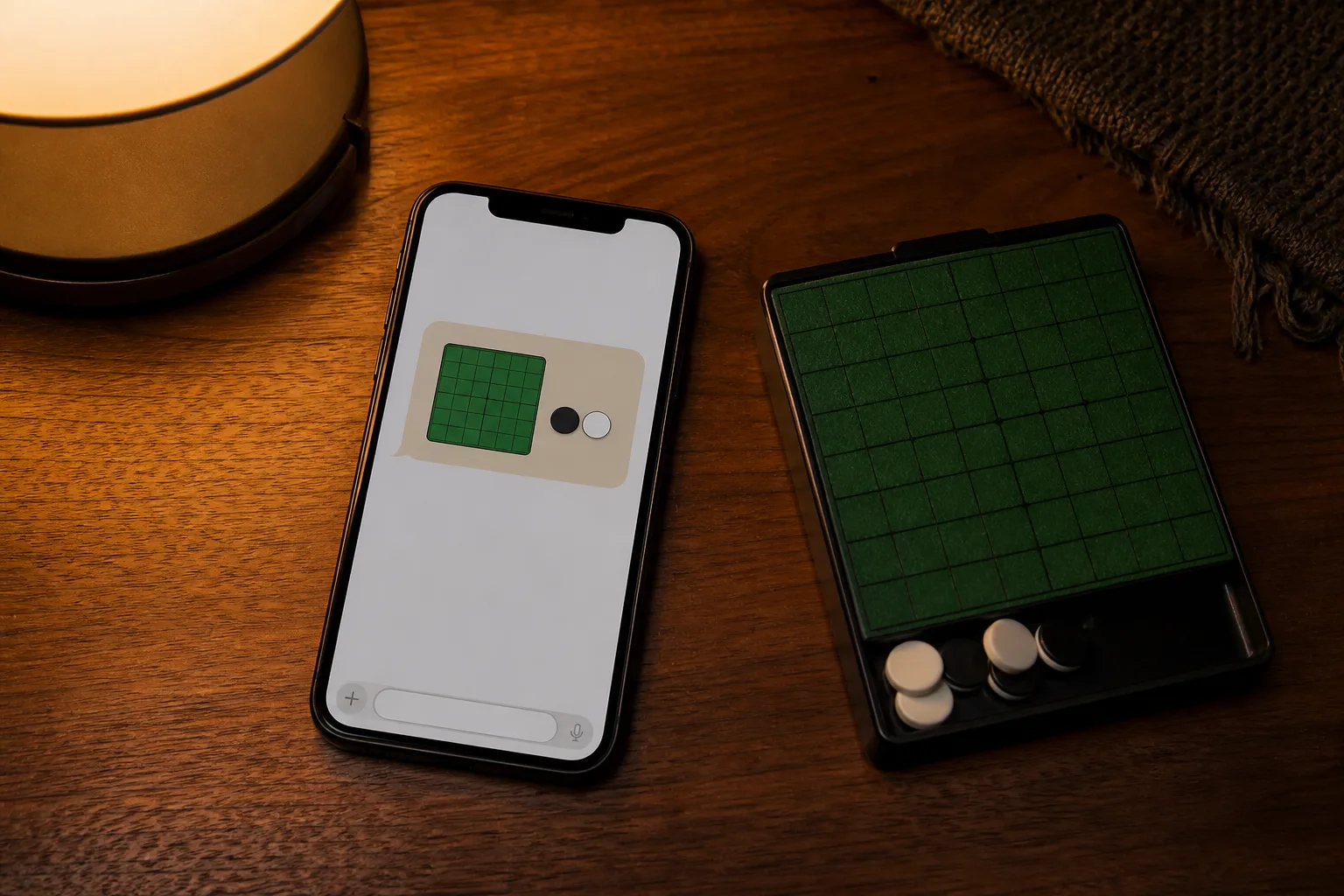
Create a private room, choose Black or White, and send the link to the person you know. Black moves first. Confirm both colors after your friend joins to avoid confusion over the opening turn. No account is required.

In the public lobby, check the room status first
You can join a public room that is waiting for a player. Once a game has started, you can only watch; spectators cannot place discs. While watching, predict a move before each player acts, then compare corner risk and the legal moves created by each choice instead of following only the score.
Only confirmed moves are synced
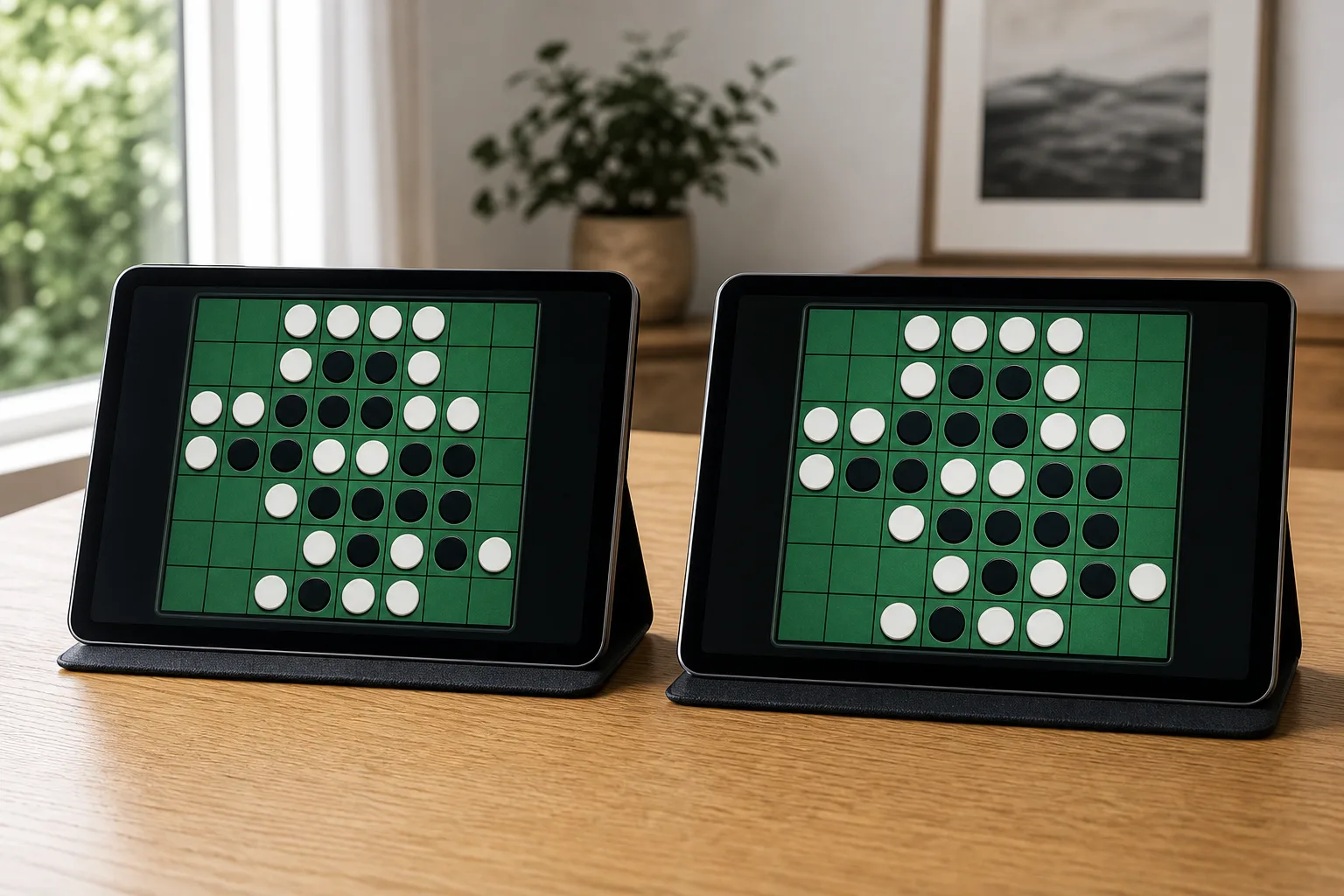
On your turn, check whether the square touches an empty corner and which lines it will open before you play the disc. The confirmed position then syncs to your opponent. You must pass if you have no legal move, and the game ends when neither side can move. A brief disconnection can be reconnected, but reconnecting does not undo a move.
1 linkis enough to invite a friend
8×8fixed board
Publicjoin from the lobby
Privateplay invited friends only